The Association Visit History shows a guest’s visit records across linked accounts, helping you track visit patterns and review outreach participation.
In this section, you can create your own customized report, for this example, using the Association Visit History Report.
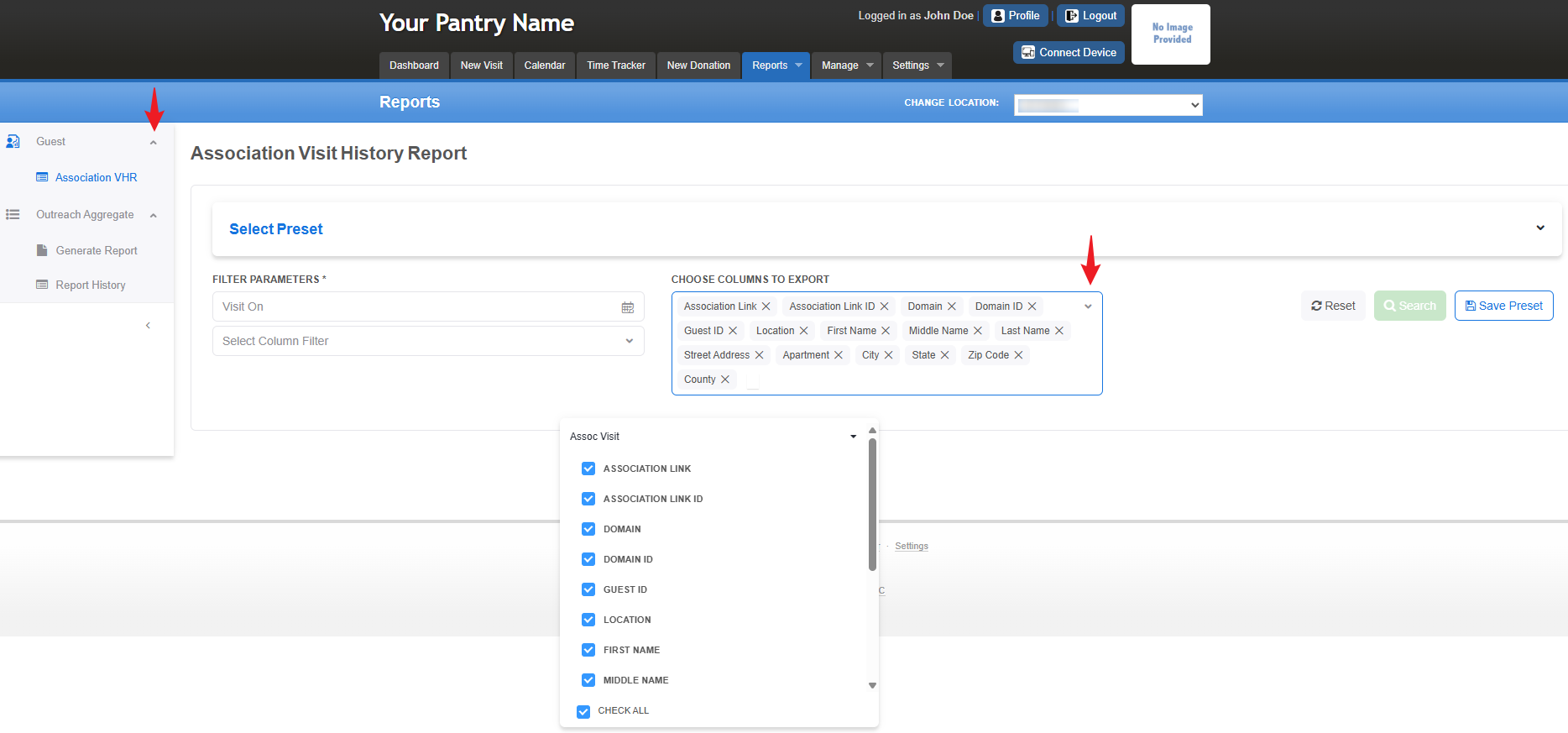
To access the report, go to Reports > Guest > Association Visit History.
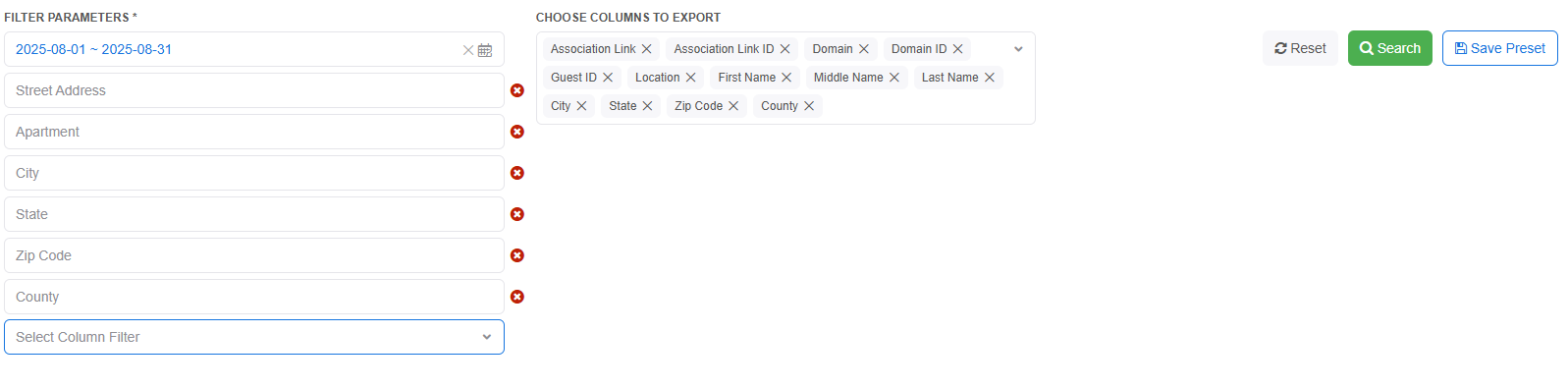
You can select the columns to export by checking the corresponding boxes or using the Check All option at the bottom.
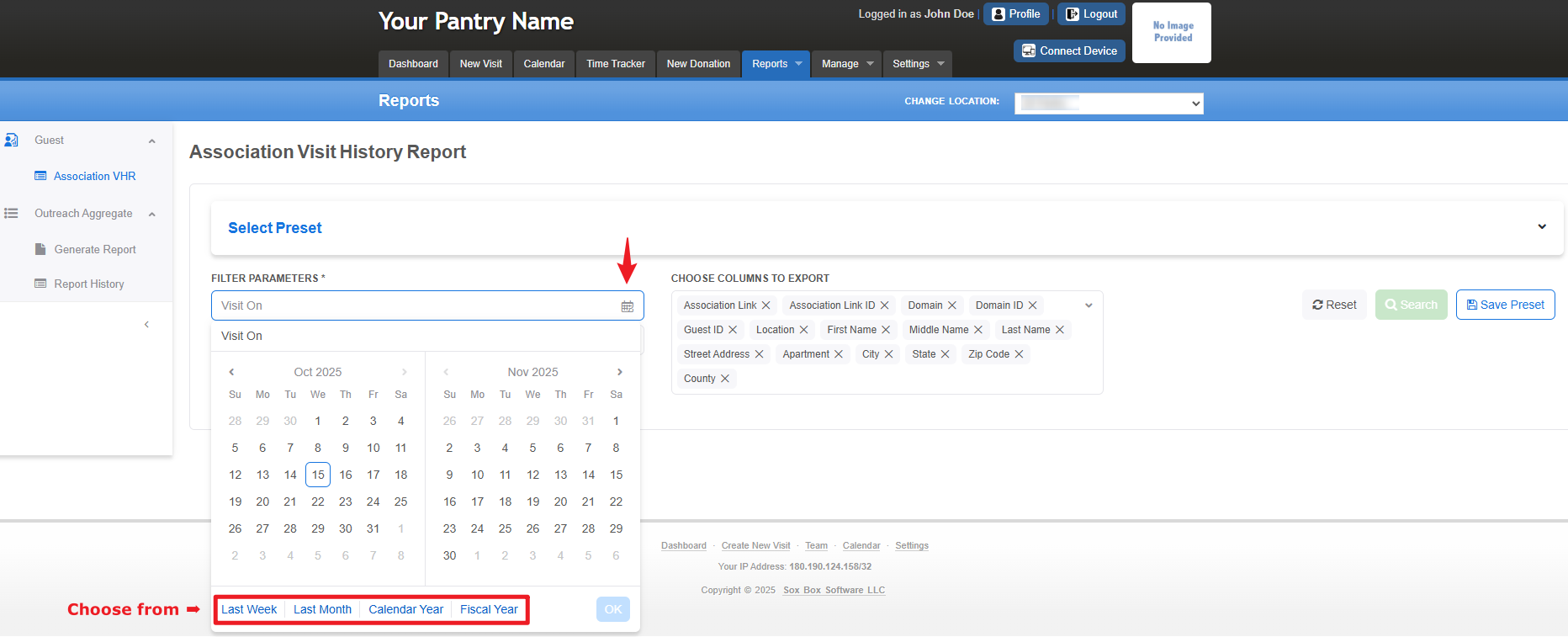
You may also set your preferred date range by clicking Visit On and selecting dates from the calendar icon.
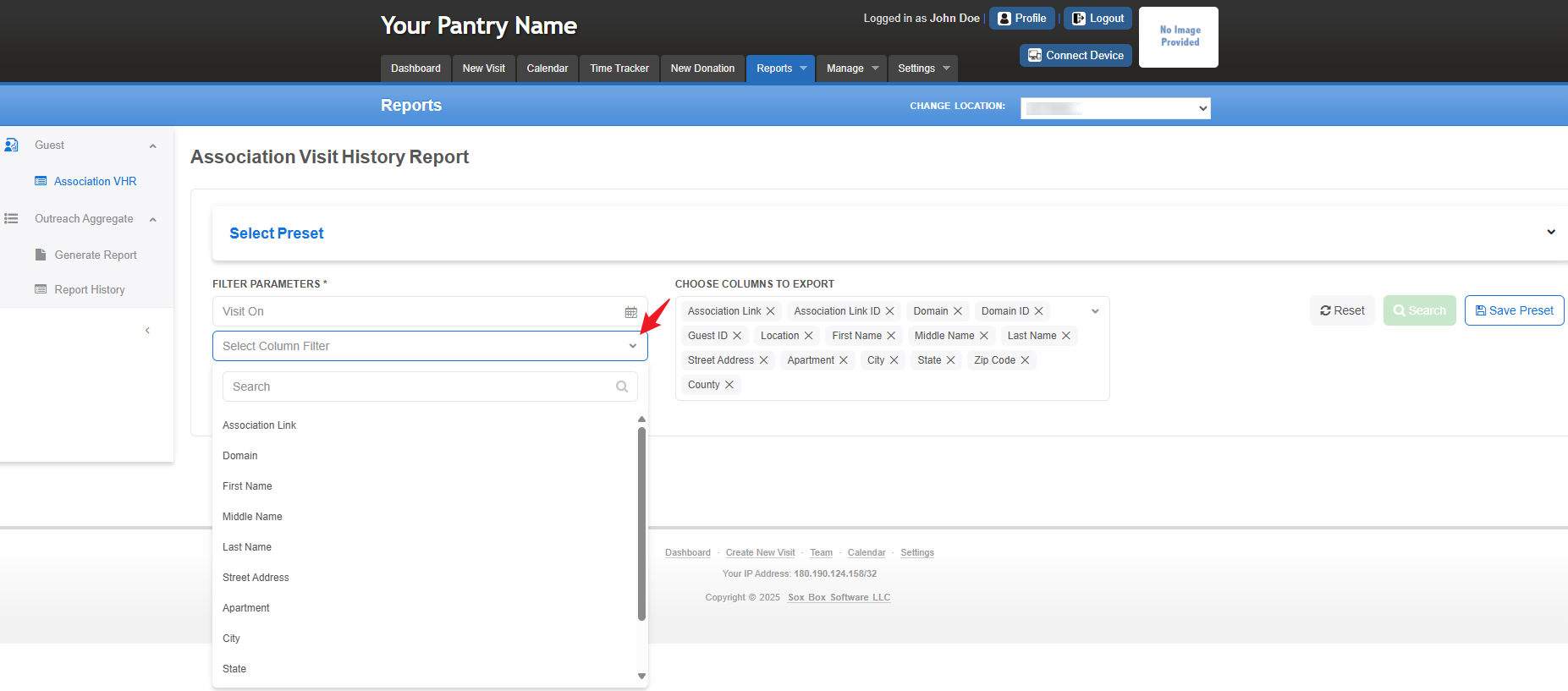
Additionally, you can apply filters to specific columns using the dropdown menus.
You can save your customized setup as a preset for future use
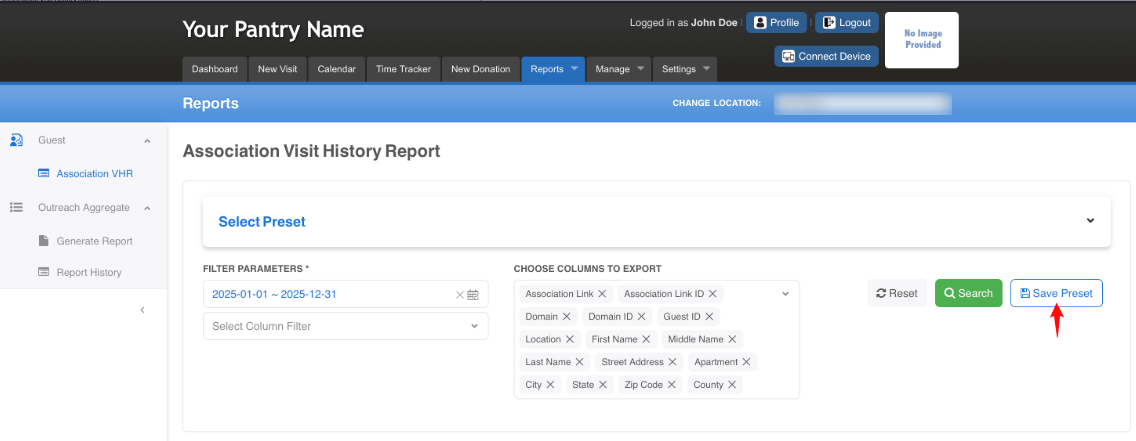
Or select from your previously saved presets.
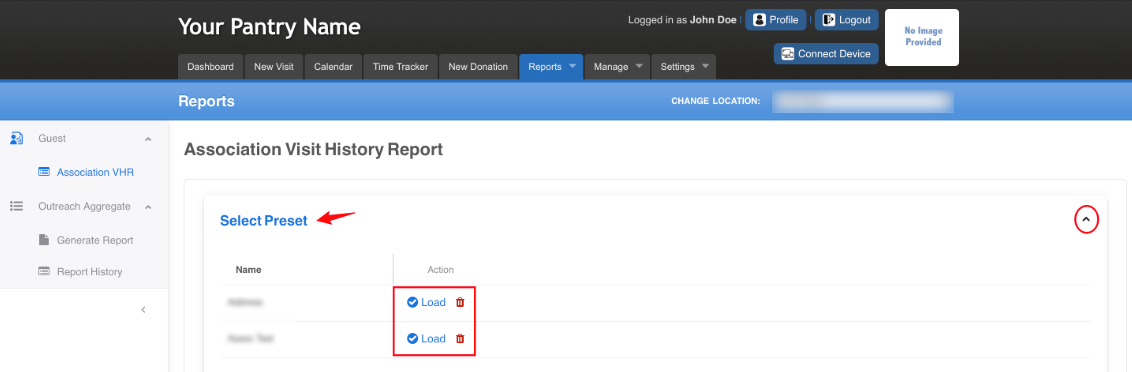
Below is an example view of what the page looks like when a Saved Preset is selected.
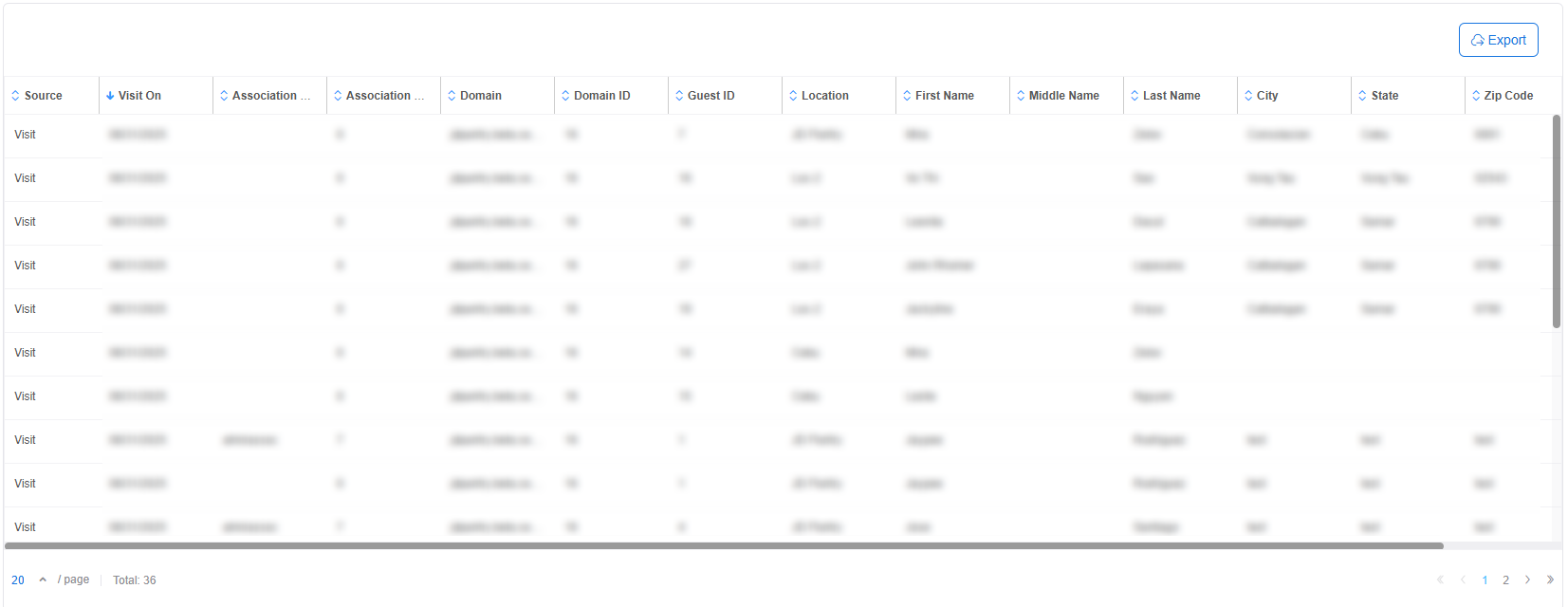
This is a sample view that appears after clicking the Search button. You can also export the data, which will generate a CSV file for record tracking.
Was this article helpful?
That’s Great!
Thank you for your feedback
Sorry! We couldn't be helpful
Thank you for your feedback
Feedback sent
We appreciate your effort and will try to fix the article